 The Family Budget
The budget app you’ll actually open.
The Family Budget is a simple, private budget for couples and families. No subscription, no bank login and no ads. Just a clear plan for your money, every bill covered, and the date you’ll be debt-free.
One payment. No subscription. The demo uses a sample family, so nothing you type is saved.
Budget from the couch, the kitchen table, or the bleachers
Everything your family budget needs
Plan every dollar
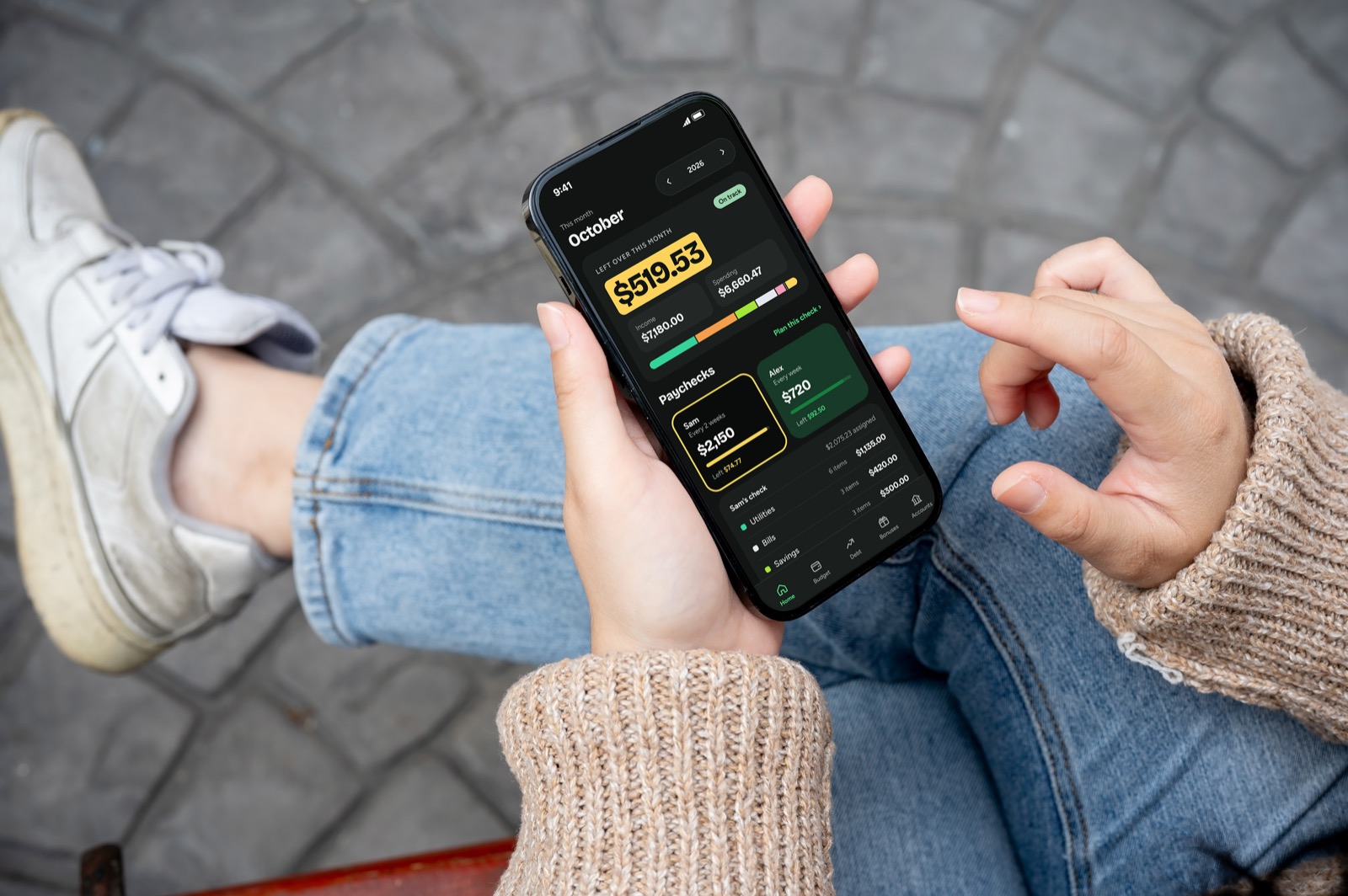
Give each paycheck a job, for up to 4 earners on any pay schedule, and know exactly where your money is going.
See what’s left
Income, spending and what’s left over for the month, with a clear warning the moment a check is over.
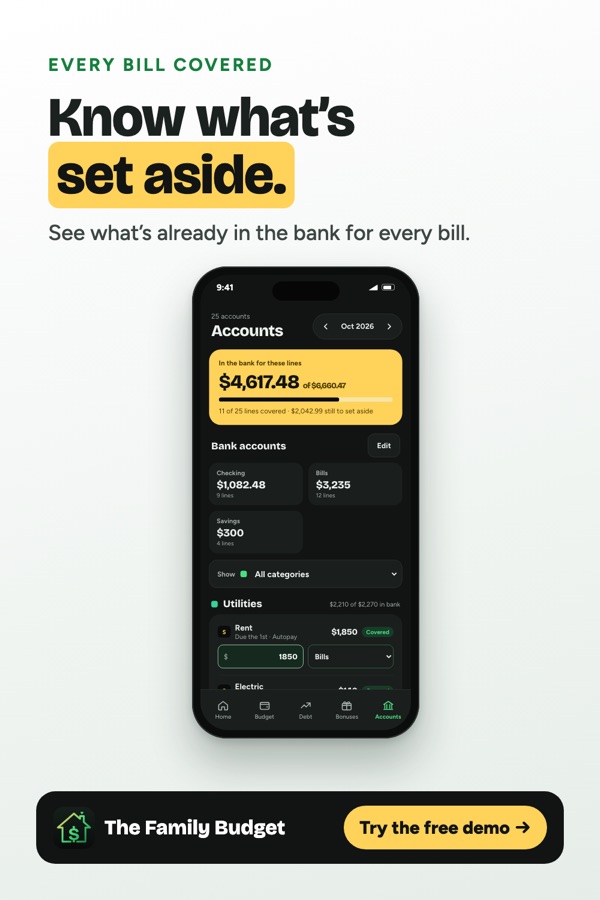
Every bill covered
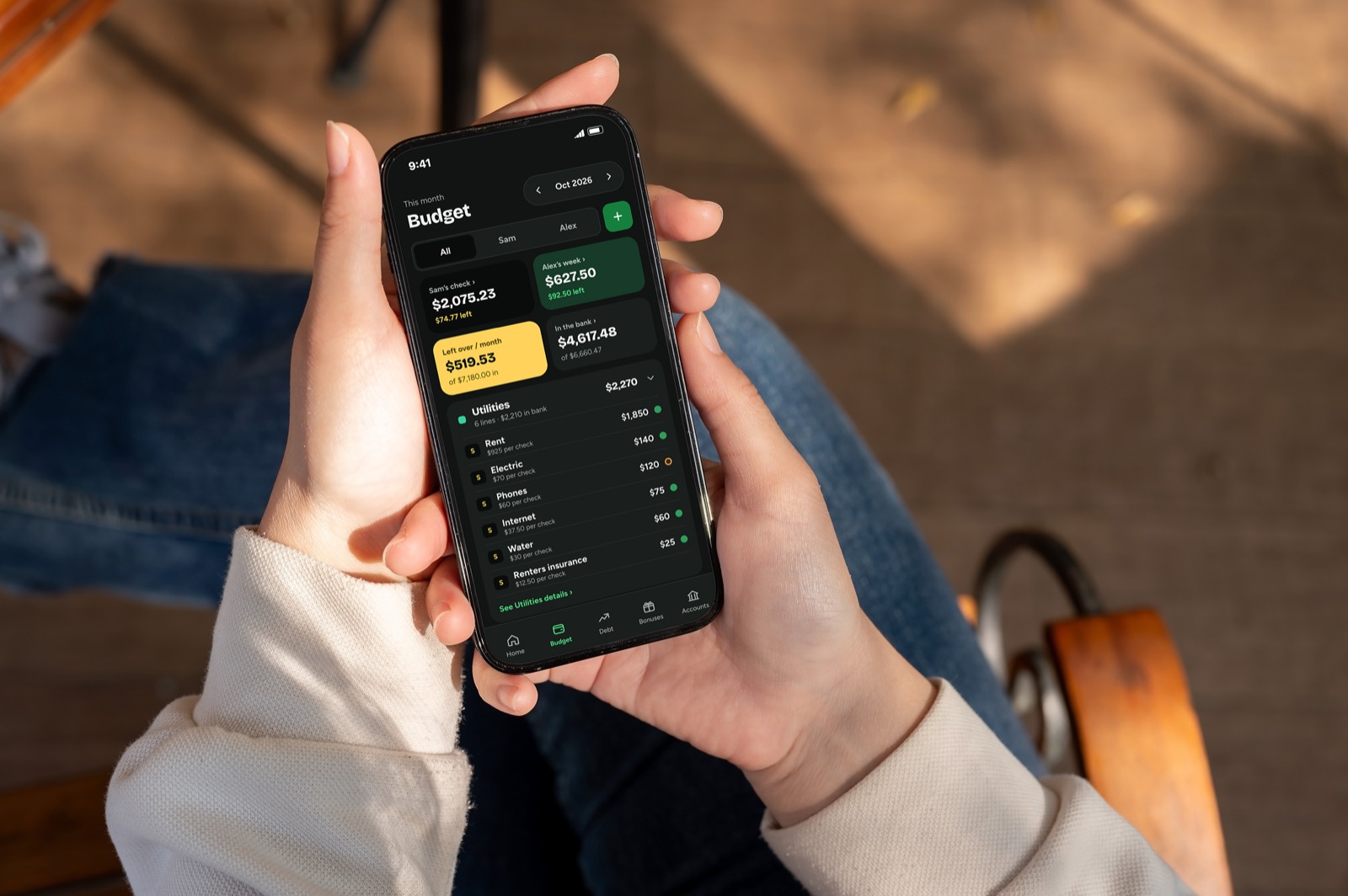
Track how much is already set aside in the bank for each bill, and which account it’s in.
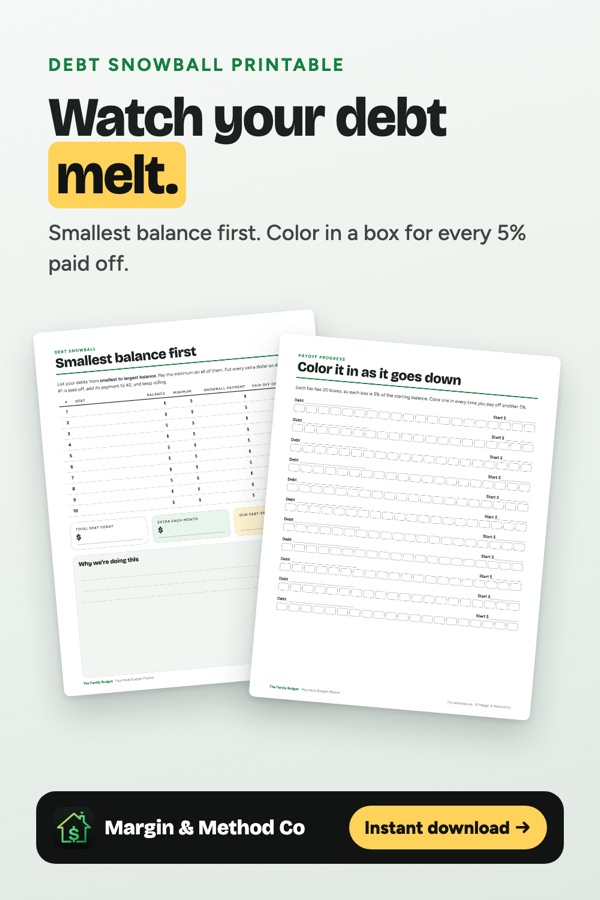
Debt snowball
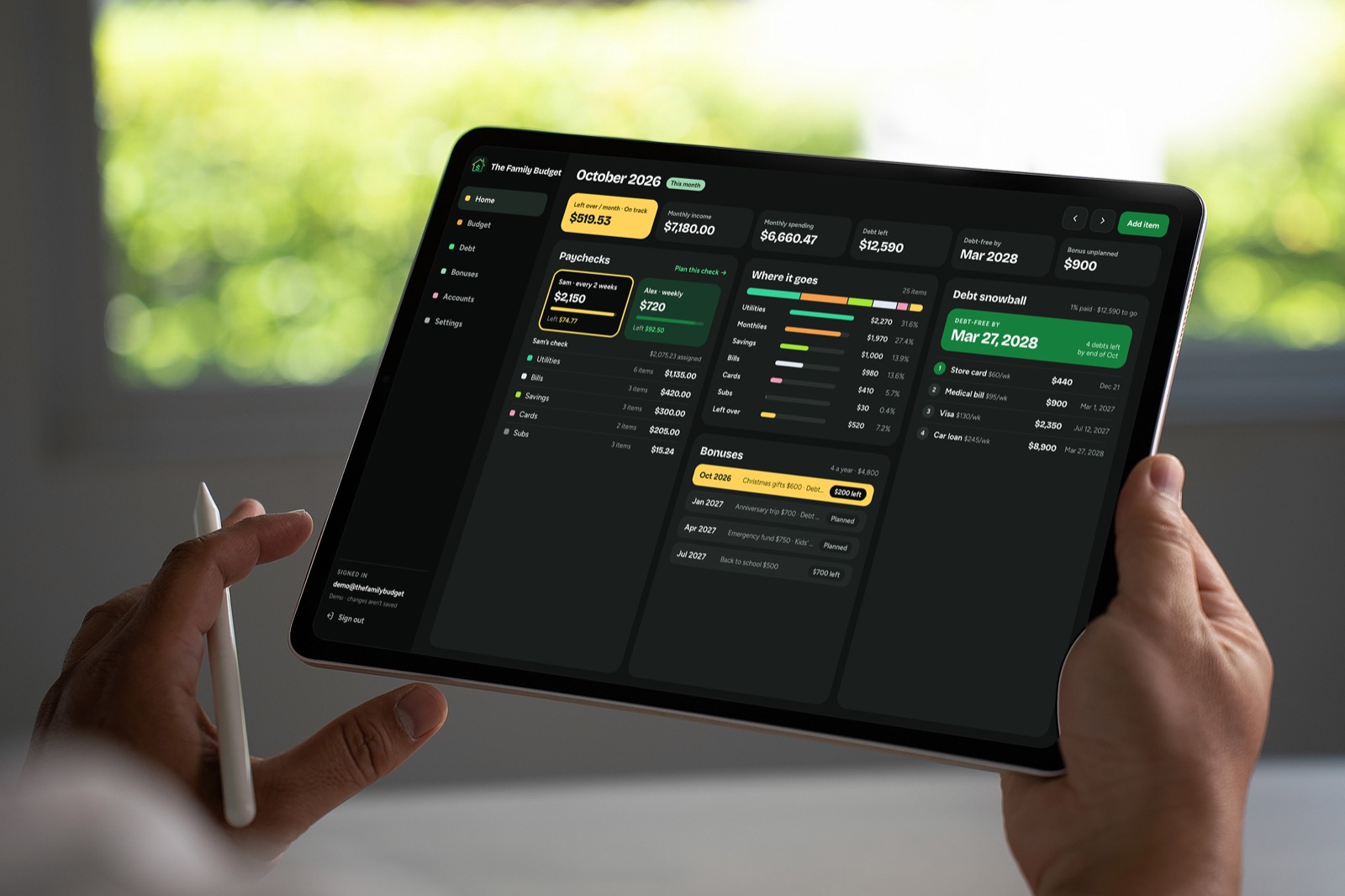
List your debts in order and see the week each one is paid off, and your debt-free date.
Made for two
Invite your partner. You each get your own login, and changes show up on both phones right away.
Plan ahead, look back
Move month to month to plan the future, and keep last month’s plan as history.
Simple enough to use every week
Your whole budget, on every screen
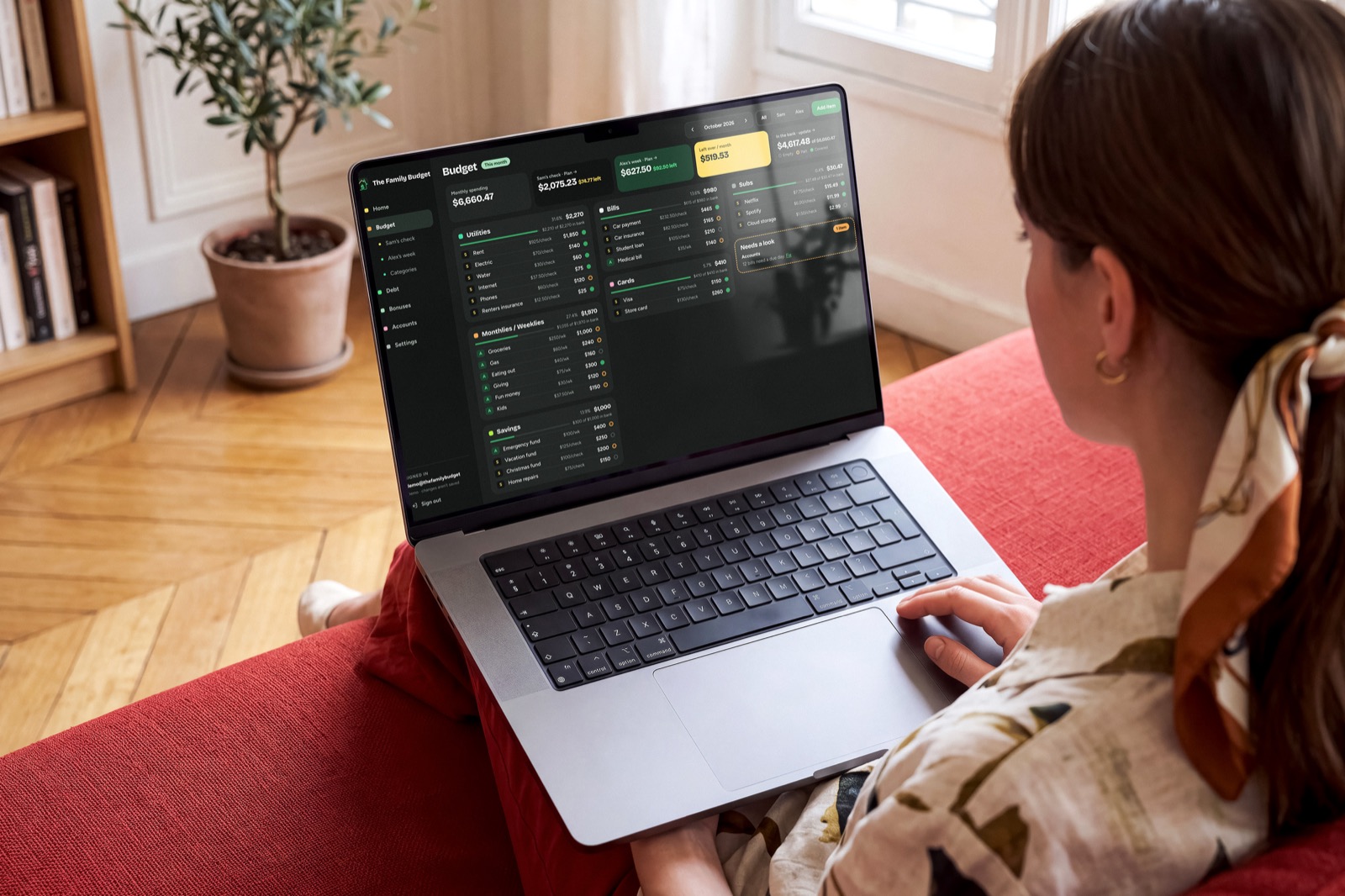
Bills, savings, debt and what’s left over, on one clear screen. It works on your phone and your computer, with nothing to download from an app store.
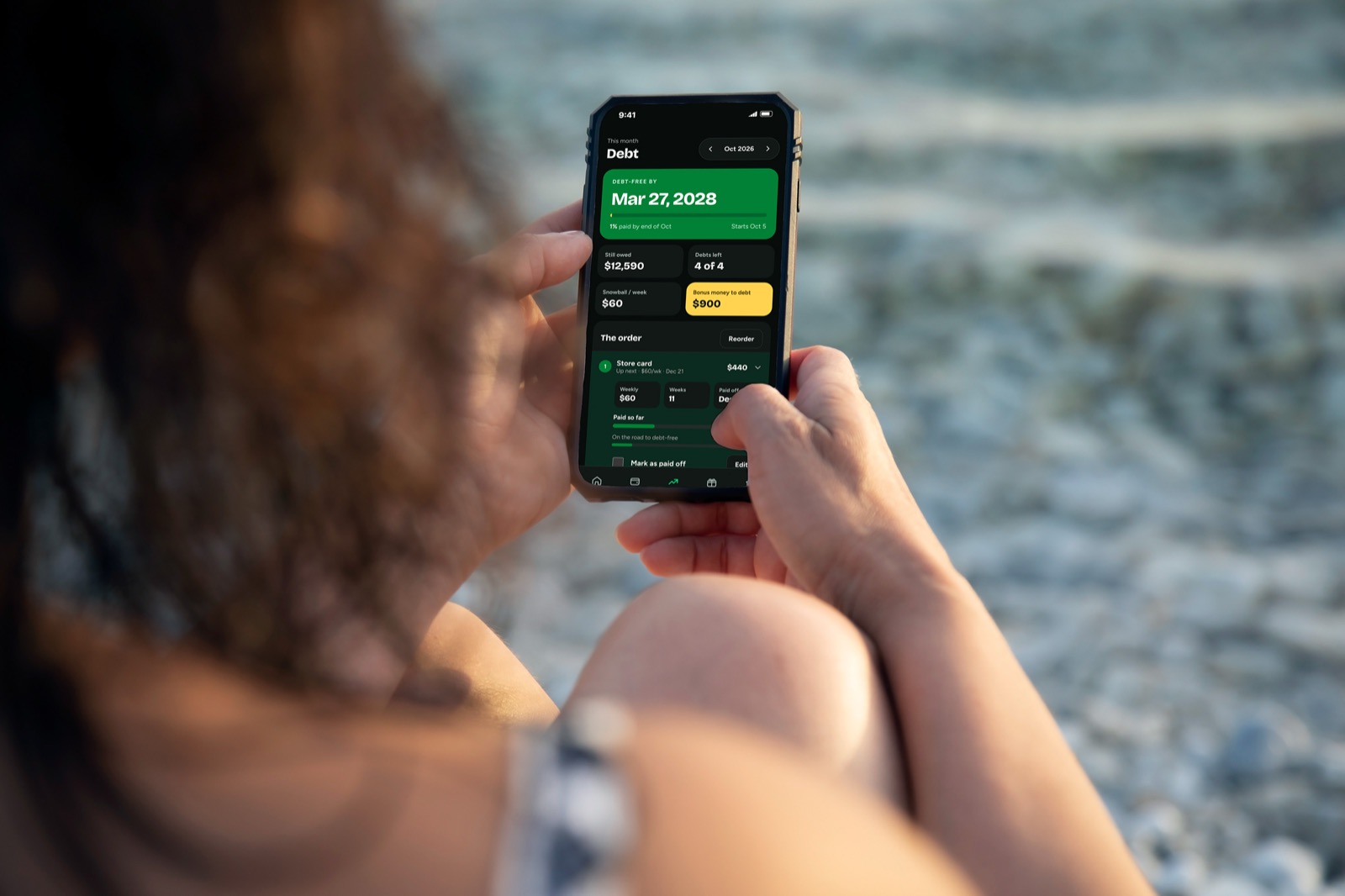
Know your debt-free date
List your debts, snowball the payments, and see the exact week you’ll be debt-free. Watch the date move closer every time you pay.
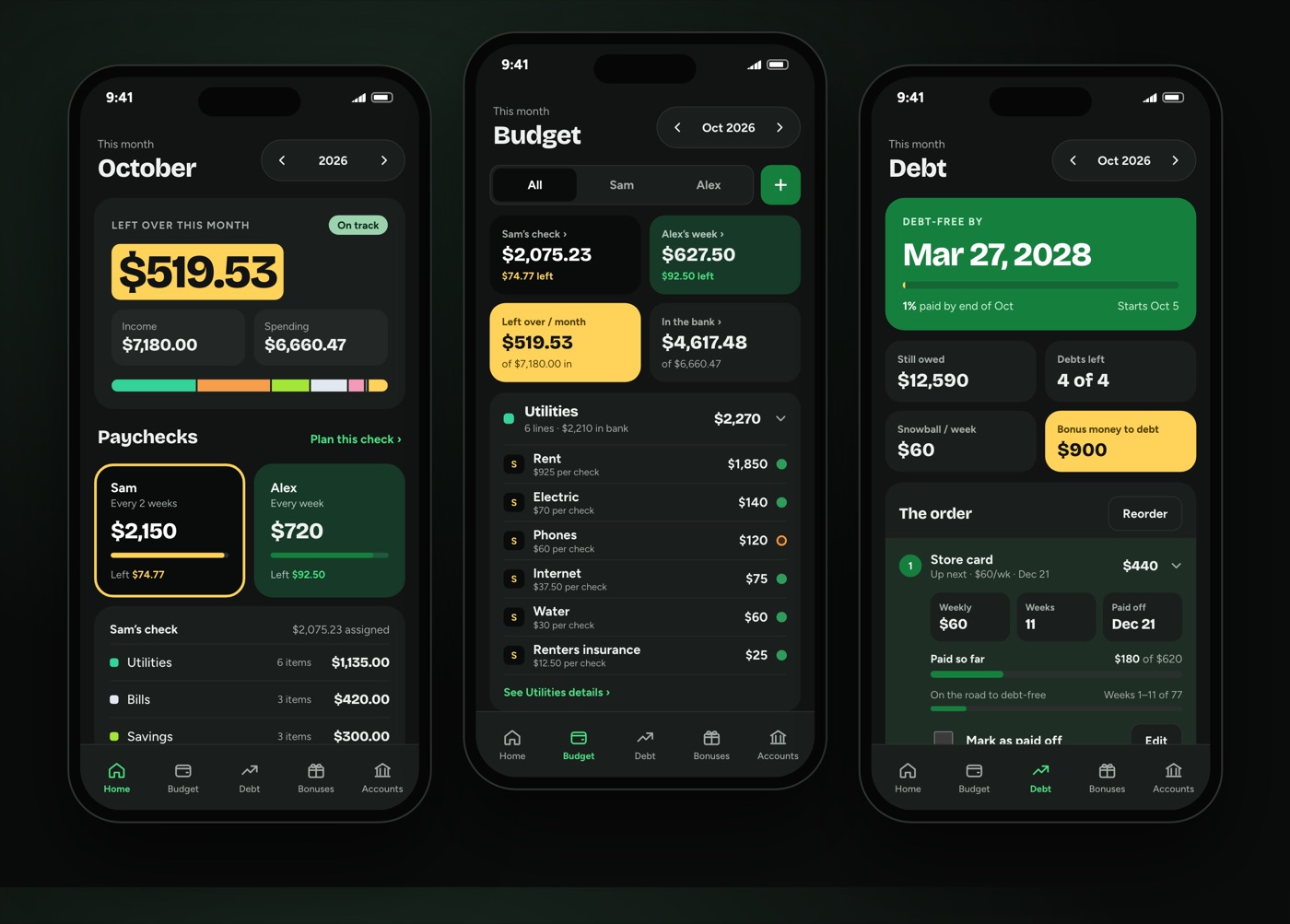
One budget. Two logins.
Invite your partner and you each get your own login. Change something on one phone and it shows up on the other right away.
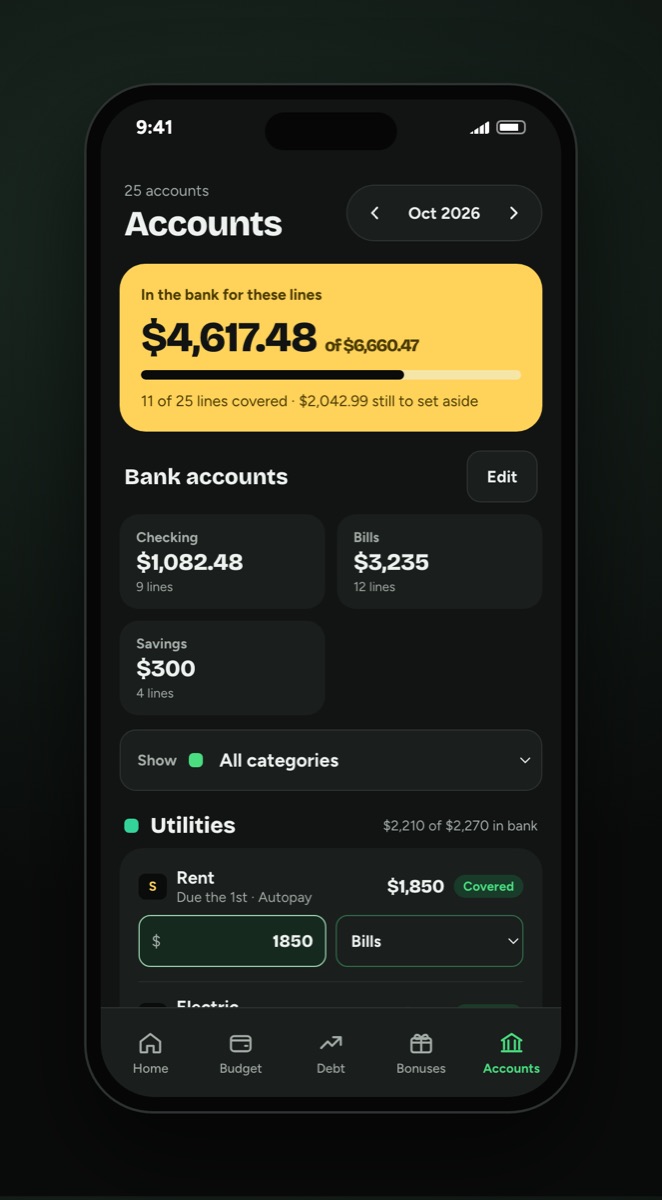
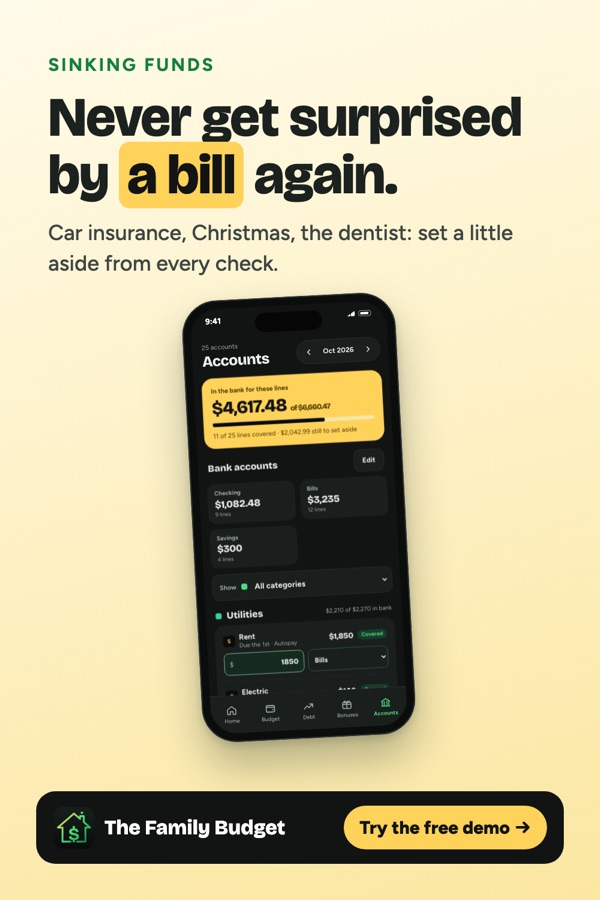
Know what’s set aside
See how much is already in the bank for every bill, and which account it’s in, so nothing sneaks up on you.
A budget app that’s on your side
Up and running in five minutes
Buy once
Check out securely with Square. You’ll get an email right away.
Choose a password
Tap the link in the email, pick a password, and answer a few setup questions.
Build your budget
Add your bills and savings goals, and add the app to your home screen.
One price. Yours to keep.
- The full app on phone and computer
- Two logins for your household
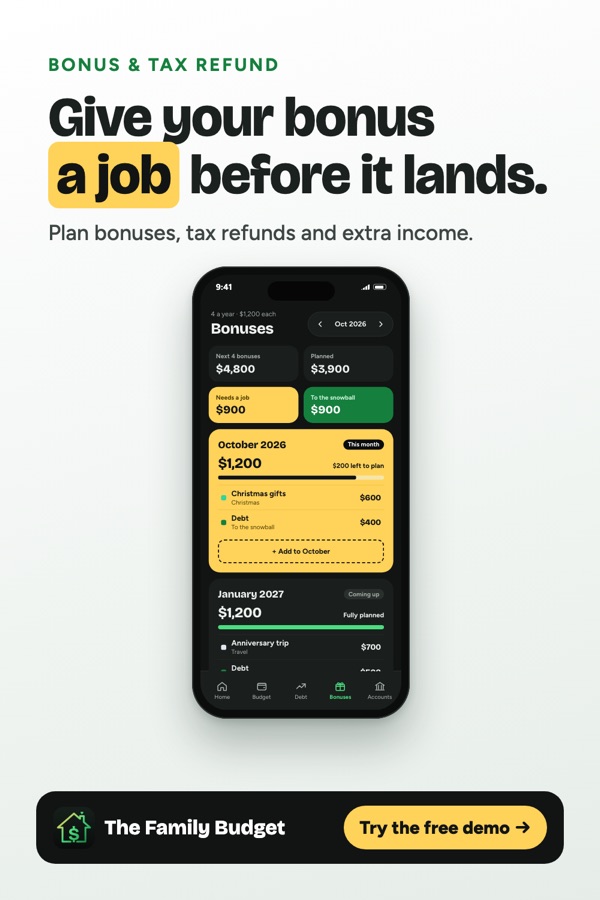
- Budget planning, bills, debt snowball and bonuses
- Your data stays private to your household
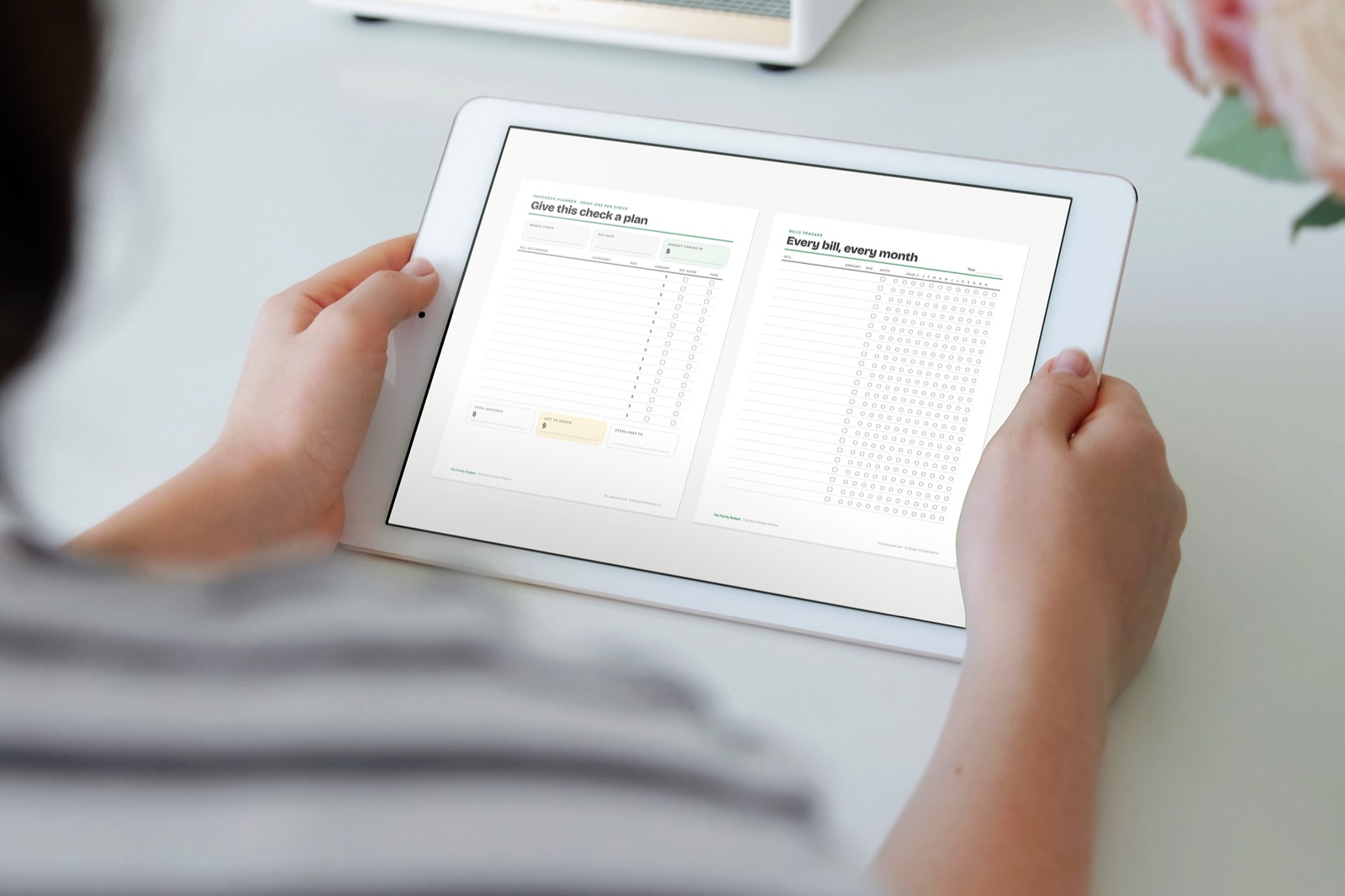
Get the printable budget planner
12 designer-made pages: monthly overview, bill tracker, debt snowball, savings jars and more. Comes in US Letter, A4, A5 and Half Letter, and works in GoodNotes too.
See it on Etsy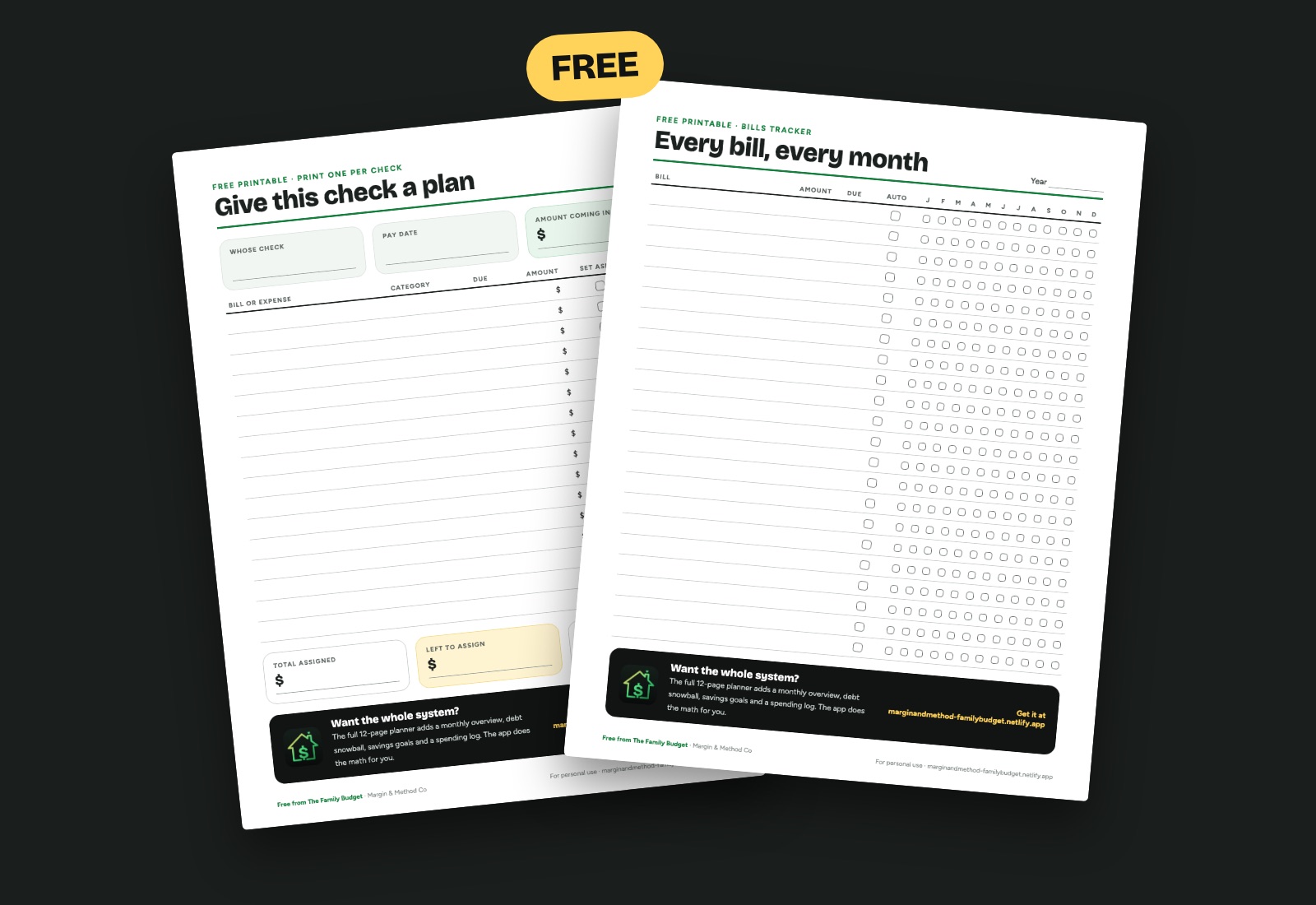
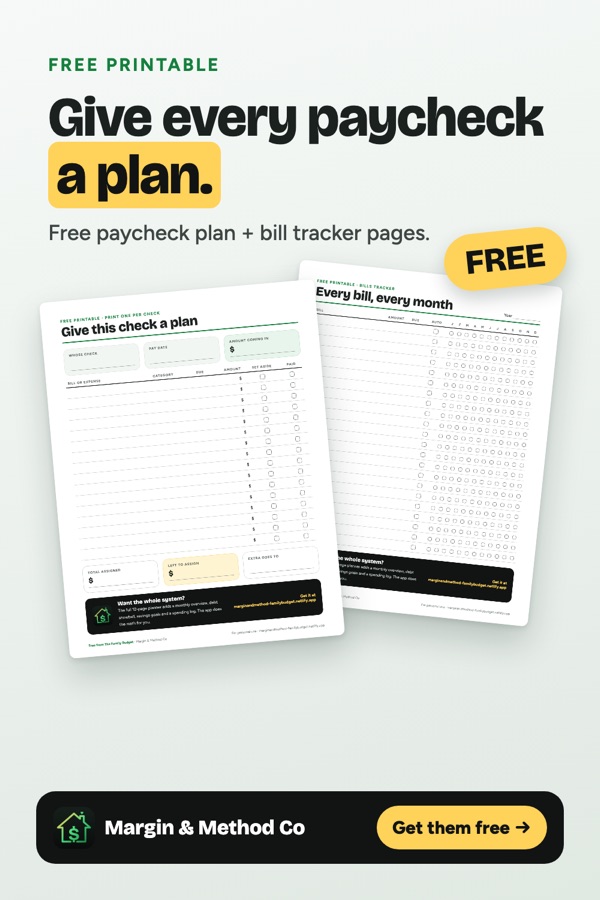
Two free budget pages
A paycheck plan to give every check a job, and a bill tracker for the whole year. US Letter and A4, and they work in GoodNotes too. We’ll email them to you.
Almost there! Check your inbox and tap the link to confirm, then your pages are on their way.
No spam. Unsubscribe any time. Privacy.
Budget tips on Pinterest
Questions
Do I have to connect my bank?
No. You type in your paychecks and bills. Nothing connects to your bank, so there are no bank passwords to share.
Who can see our budget?
Only the people on your household, up to two. Each household is kept separate in the database, and we never sell or share your data. See the privacy policy.
We get paid every two weeks. Does that work?
Yes. Each earner picks weekly, every two weeks, 1st & 15th, or monthly. The plan counts the checks you get every month, so a month with an extra check gives you a bonus.
Is there an app to download?
It runs in your browser. On iPhone, tap Share → Add to Home Screen; on Android, tap ⋮ → Add to Home screen. It opens like an app.
I didn’t get my email.
Check your spam folder for an email from The Family Budget. Still nothing? Go to Sign in, type your email and tap “Forgot password”.